
Free Tutorials
Plain-English guides covering every aspect of LED screen setup and Novastar control systems. Start here: then grab the full ebook for the complete picture.
How to Buy an LED Screen: The Complete Buyer's Guide
A step-by-step framework for buying an LED screen: choosing the pitch, what drives the price, what a quote leaves out, and how to judge a supplier.

How to Choose an LED Screen Supplier
How to judge an LED screen supplier on what happens after the sale: spare parts, bin matching, warranty terms and who actually does the repair work.
The 10 Most Expensive LED Screen Buying Mistakes
The buying mistakes that cost the most: wrong pitch for the viewing distance, no spares, unbudgeted rigging, and the ones you cannot fix after delivery.
How Much Does an LED Screen Cost? A Realistic Breakdown
What an LED screen really costs, broken down by component, with typical UK ranges, the assumptions behind them, and the parts a panel quote leaves out.
LED Screen Hire vs Buy: Which Makes Financial Sense?
Should you hire or buy your LED screen? This guide runs the numbers on hire costs vs purchase price, explains the hidden costs of ownership, and gives you a clear framework for making the right decision for your business.

LED Screen Quote Checklist: What to Check Before You Sign
A line-by-line checklist for reading an LED screen quote: what must be itemised, the specs to confirm in writing, and the omissions that cost you later.

LED Screen Total Cost of Ownership: The Five-Year Picture
What an LED screen costs after you have bought it: storage, insurance, maintenance, transport, spares and depreciation, across a realistic five-year view.
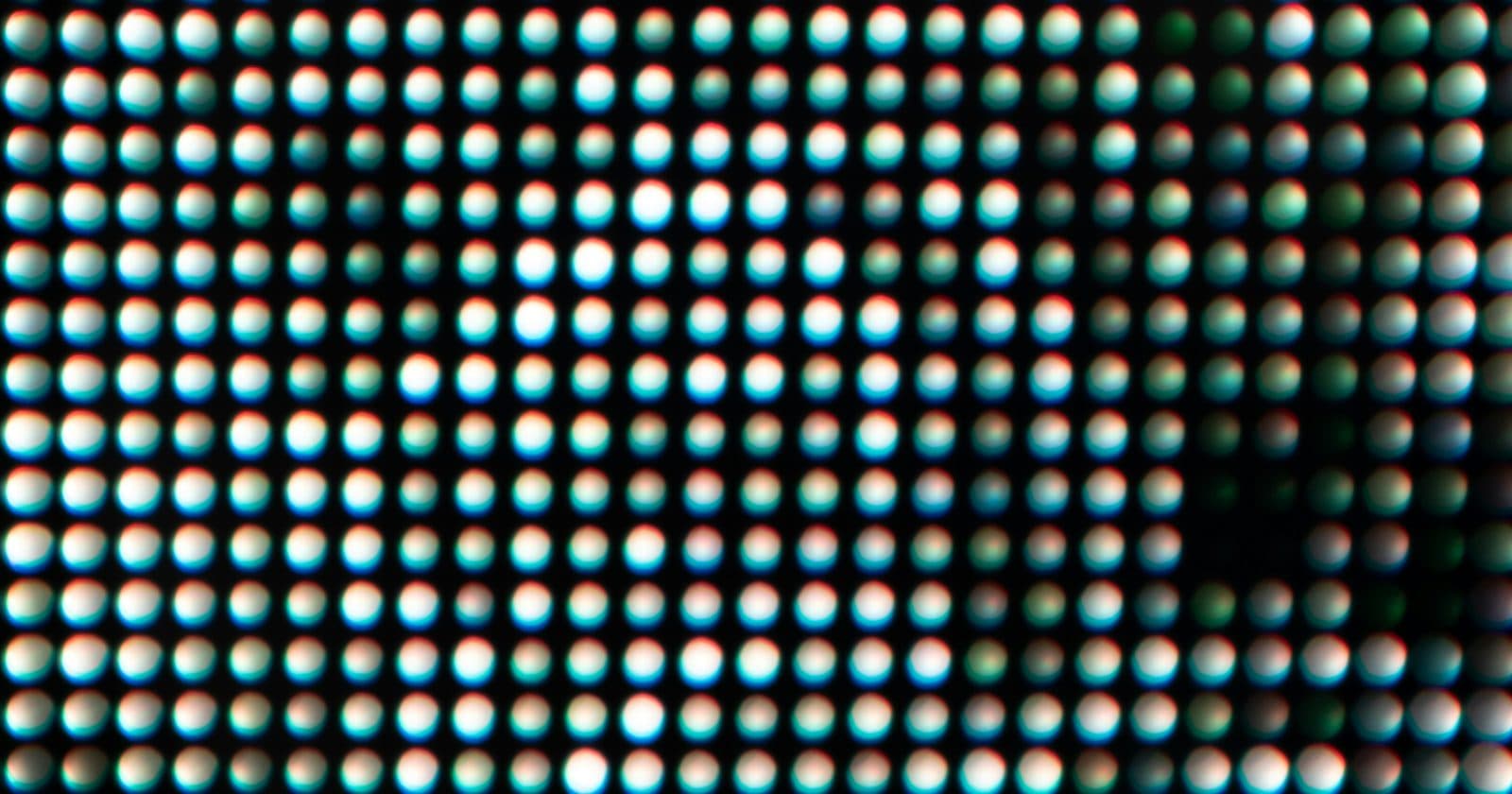
Pixel Pitch Explained: How to Choose the Right LED Screen Resolution
What is pixel pitch? This guide explains what LED screen pixel pitch means, how it determines viewing distance, which pitch to choose for your application, and how it affects cost.

LED Screen Viewing Distance: The Complete Guide
How to calculate the correct viewing distance for any LED screen. Covers the pixel pitch formula, minimum and optimal distances, and how to choose the right pixel pitch for your venue.
LED Screen Resolution Explained: How Much Do You Actually Need?
How LED screen resolution works, what pixel count you actually need, why LED screens aren't specified like TVs, and how to match resolution to your content and controller. Includes calculation examples.
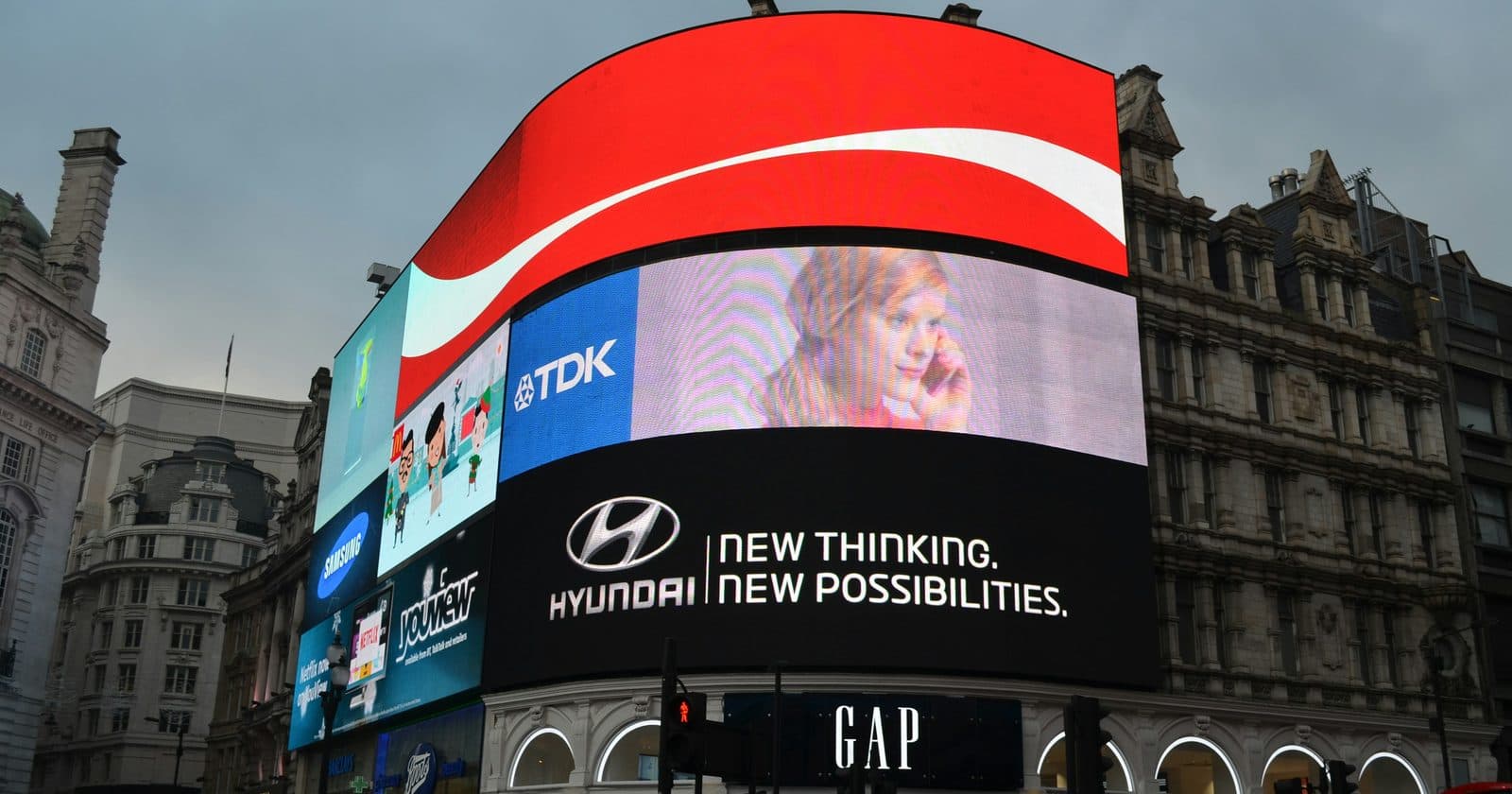
Indoor vs Outdoor LED Screens: Key Differences Explained
What makes an outdoor LED screen different from an indoor one? This guide covers brightness, IP ratings, pixel pitch, power, weatherproofing, and how to choose the right type for your application.
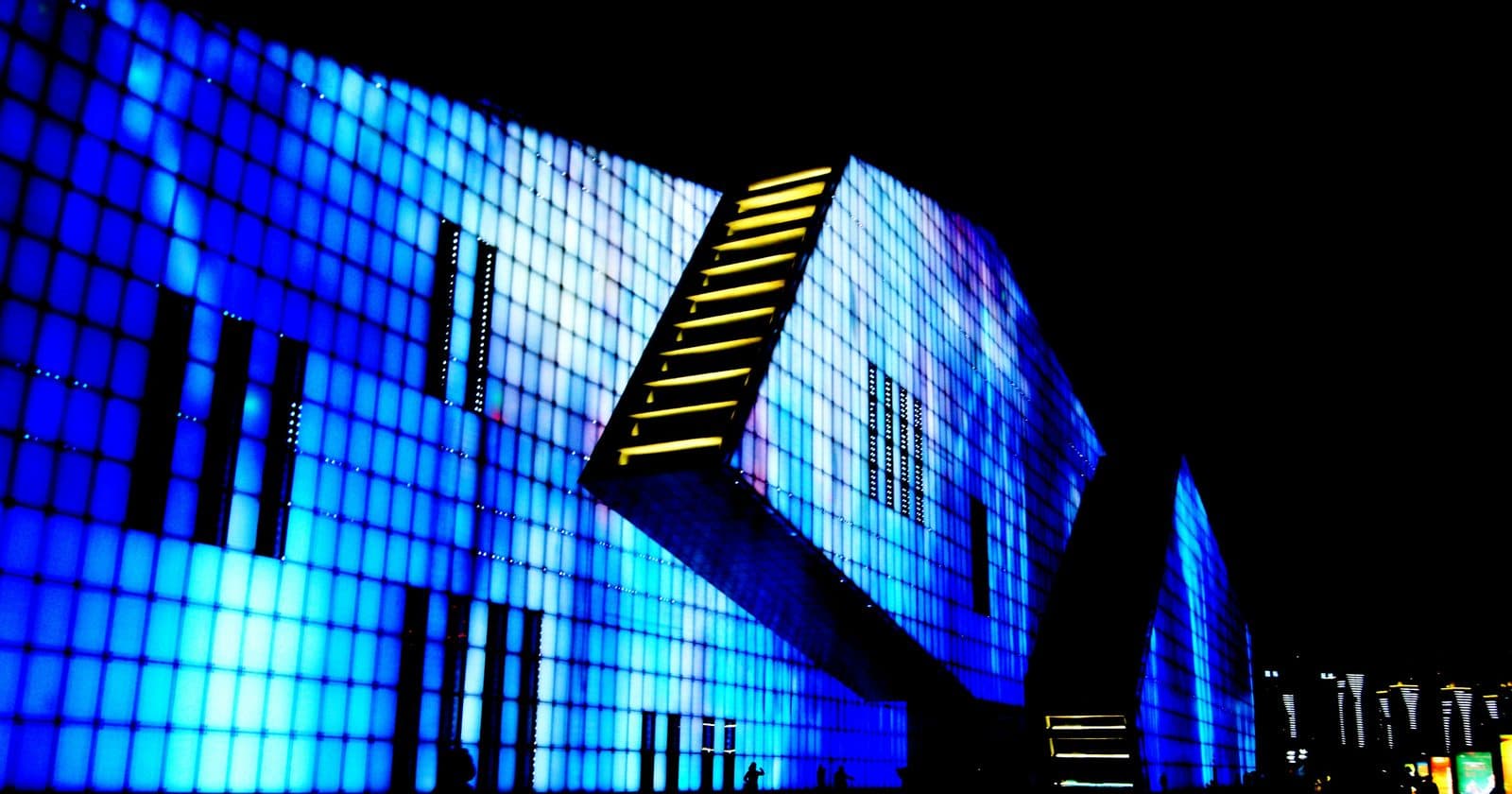
LED Screens Explained: A Complete Beginner's Guide
New to LED screens? This plain-English guide covers what an LED screen is, how it works, pixel pitch, indoor vs outdoor, brightness ratings, and how the signal chain connects everything.

How to Set Up Novastar NovaLCT: Complete Step-by-Step Guide
Step-by-step guide to installing and configuring Novastar NovaLCT software. Covers hardware connection, the screen configuration wizard, cabinet mapping, brightness settings, and saving your configuration.
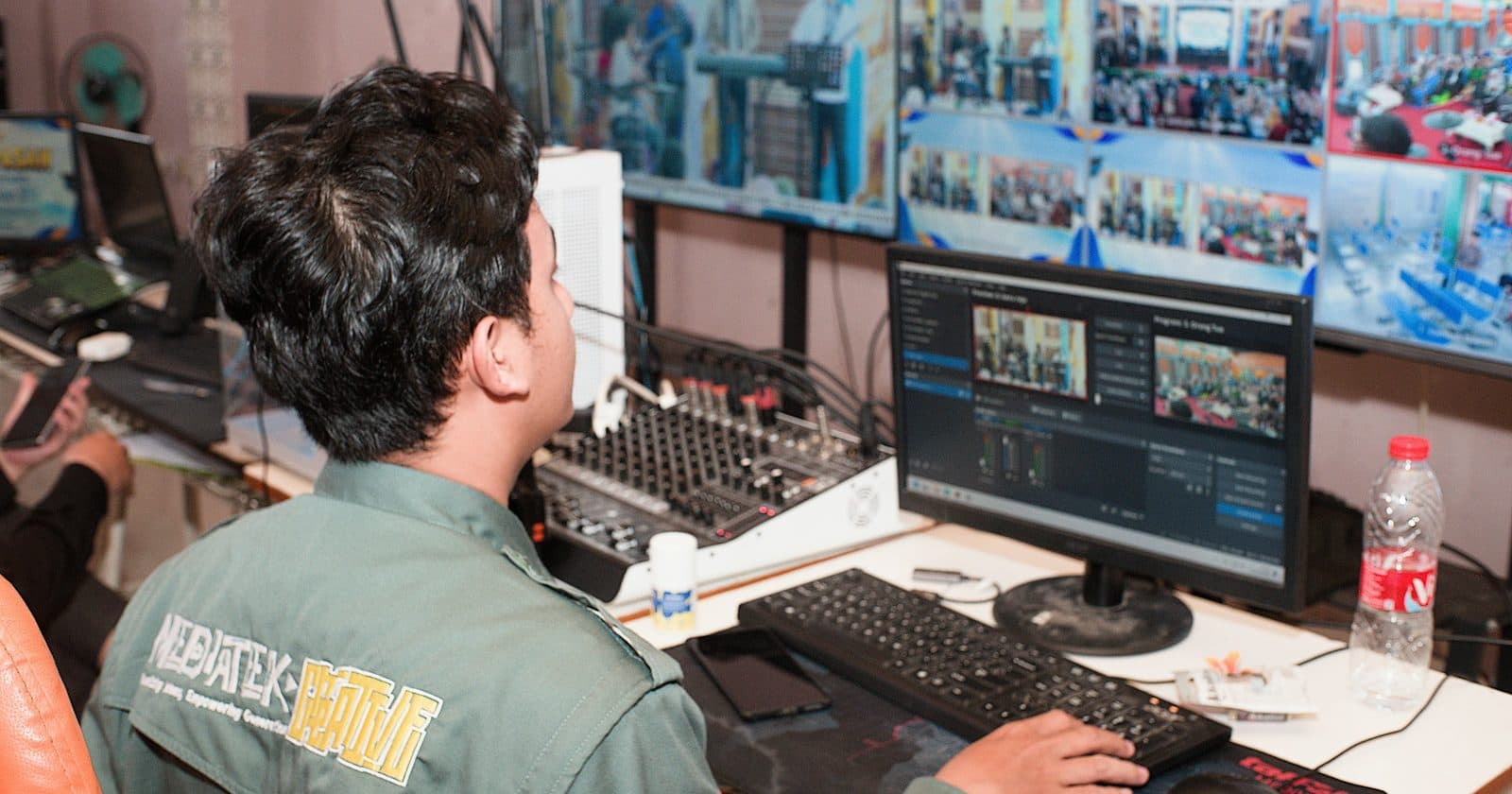
NovaLCT Software: Complete Feature Guide for Beginners
Everything you need to know about NovaLCT, Novastar's LED screen control software. Covers download, installation, the main interface, screen configuration, brightness control, calibration, firmware updates, and saving configurations.
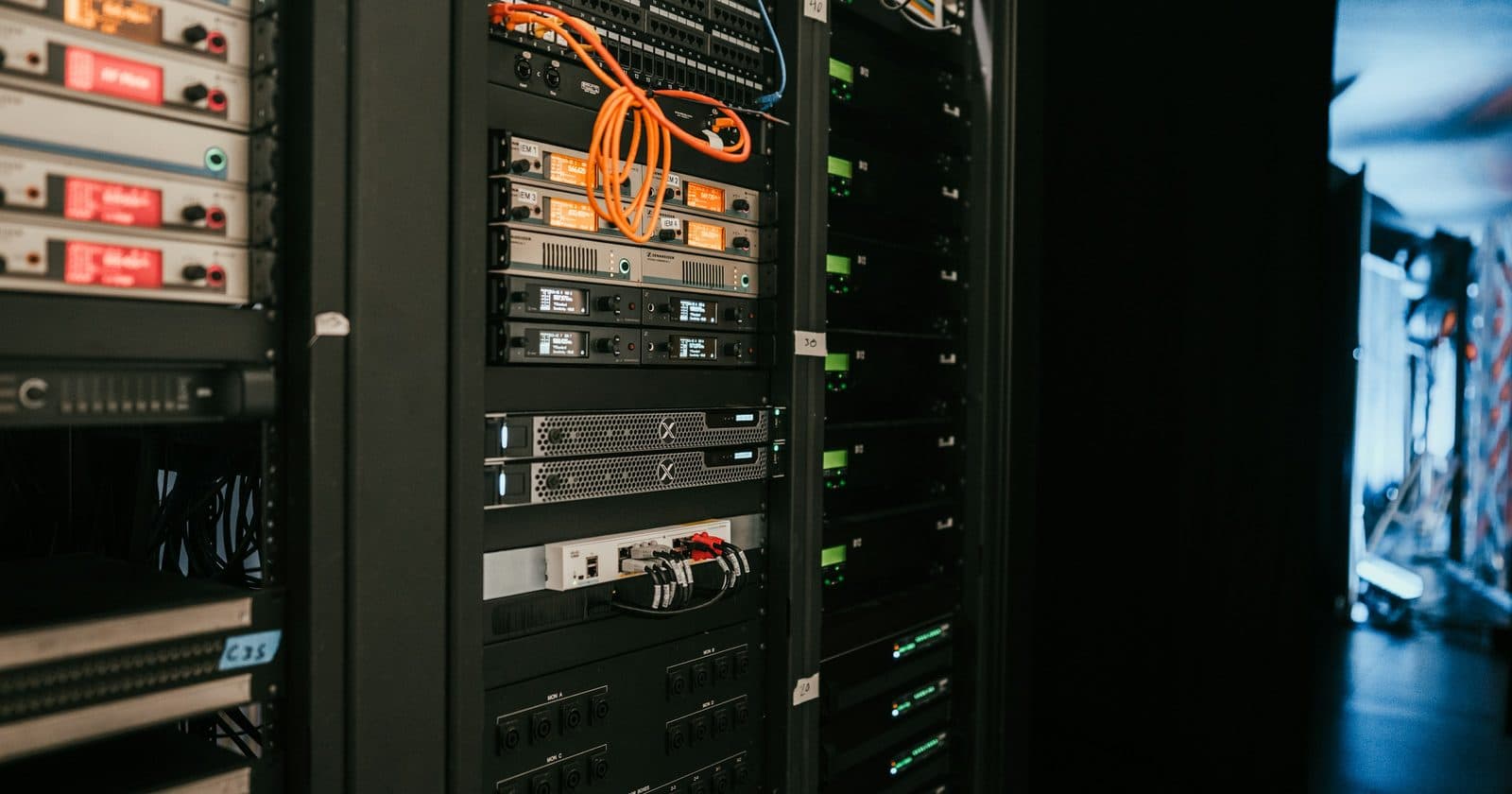
Novastar Sending Cards & Controllers: Which One Do You Need?
Confused about which Novastar controller to buy? This guide explains the difference between sending cards and sending boxes, covers the MCTRL and VX product lines, and helps you choose the right device for your screen size.
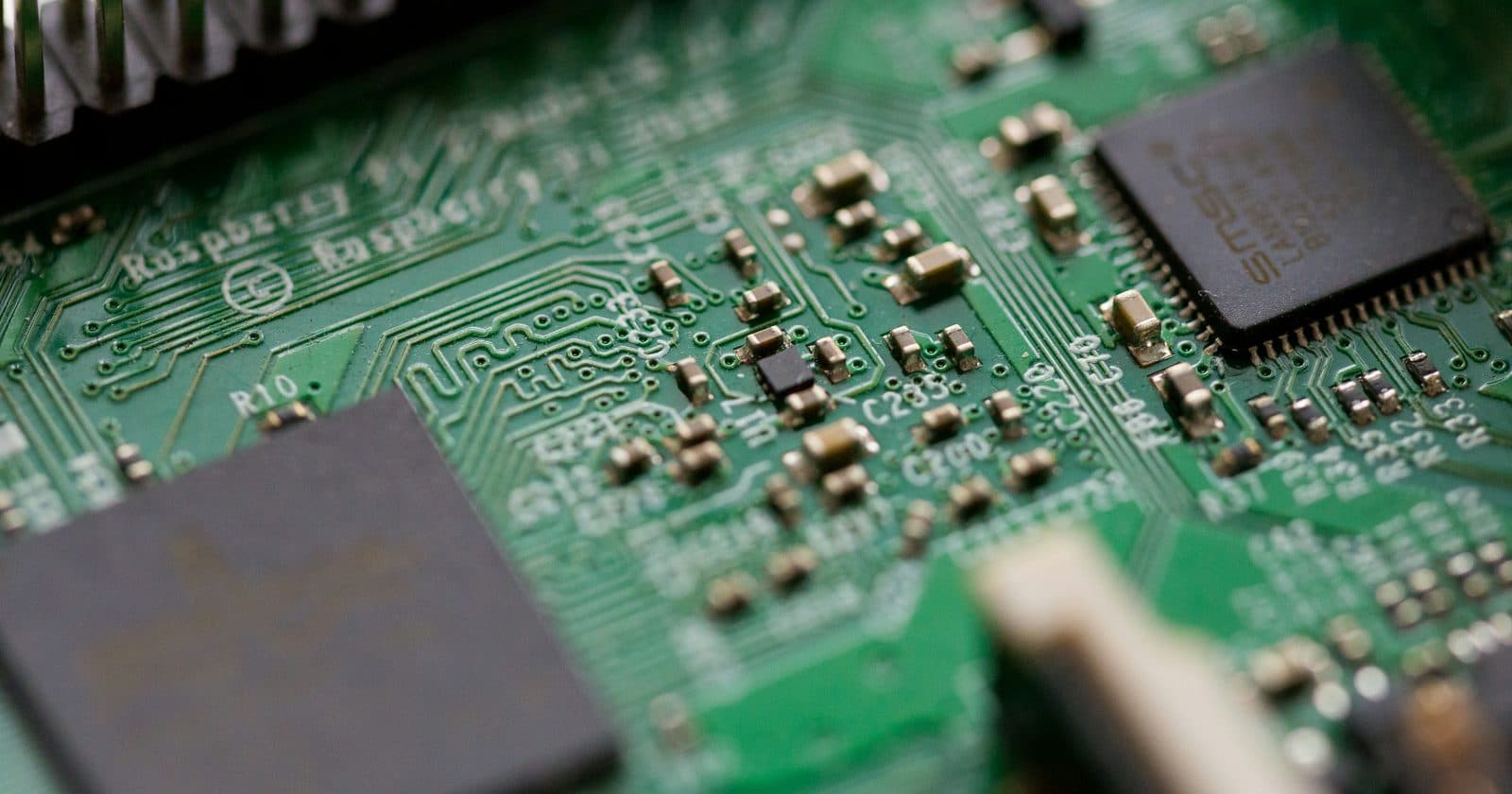
Novastar Receiving Cards: What They Are and How to Set Them Up
Every LED cabinet contains a Novastar receiving card. This guide explains what receiving cards do, how they connect to your sending device, which models are common, and how to configure them in NovaLCT.
LED Screen Troubleshooting: How to Fix the Most Common Problems
Systematic guide to troubleshooting LED screen problems. Covers no image, missing cabinets, flickering, colour issues, NovaLCT detection failures, and overheating, with specific fixes for each.
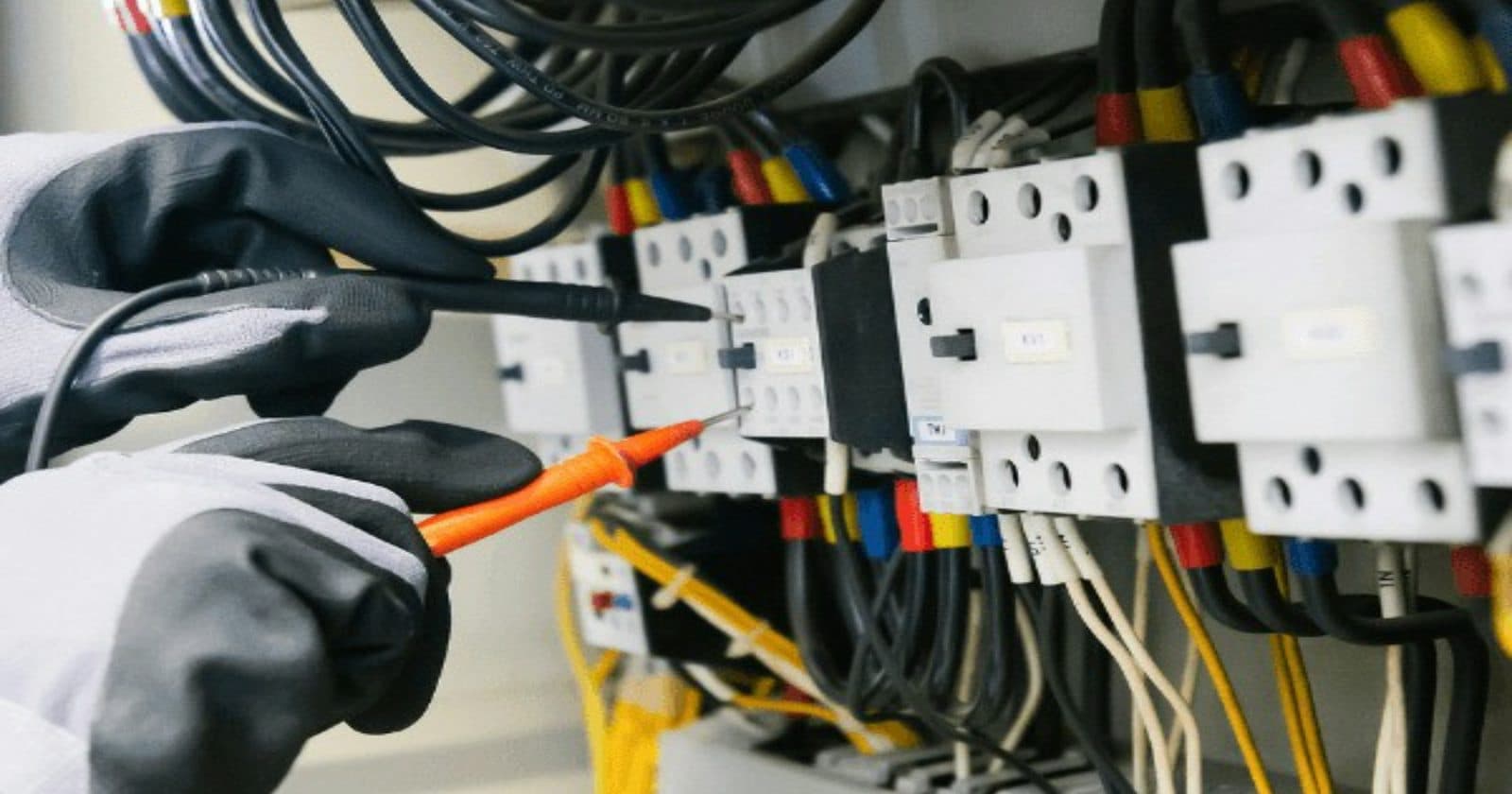
LED Screen Power Wiring: The Complete Safety Guide
How to safely calculate, plan, and wire power for an LED screen. Covers power draw calculation, the 80% rule, cable sizing, MCB ratings, earthing, connectors, and the correct power-up procedure.
LED Screen Cabinet Types: Rental, Fixed, Front Access and Rear Access Explained
What are the different types of LED screen cabinets and when should you use each? This guide covers rental vs fixed-install cabinets, front-service vs rear-service access, die-cast vs steel frames, and how to choose correctly.
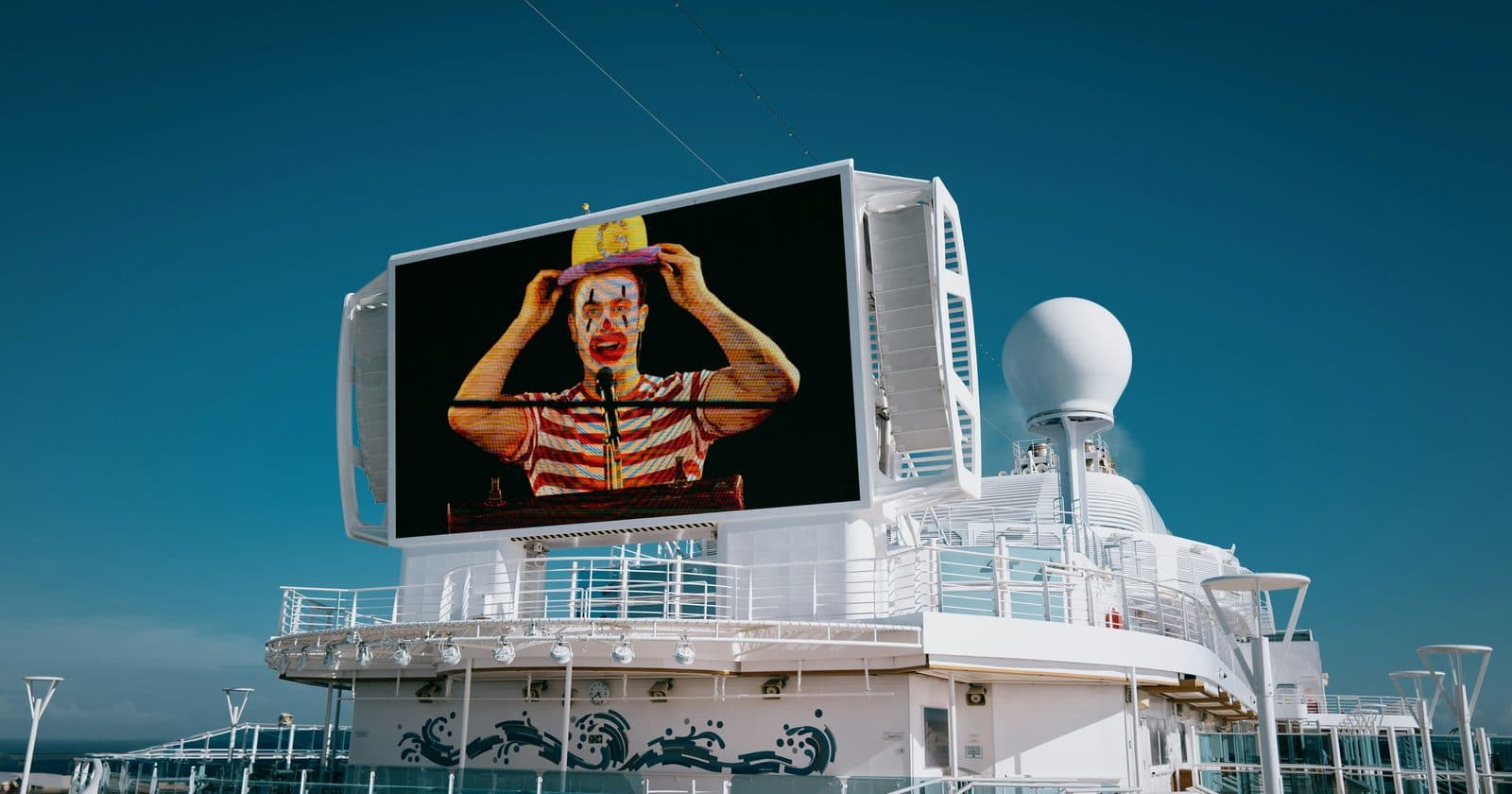
LED Screen Brightness Settings: How to Get It Right Every Time
How to set the correct brightness for any LED screen in any environment. Covers nit levels, NovaLCT brightness controls, auto-brightness, why running at 100% damages screens, and the right settings for every application.
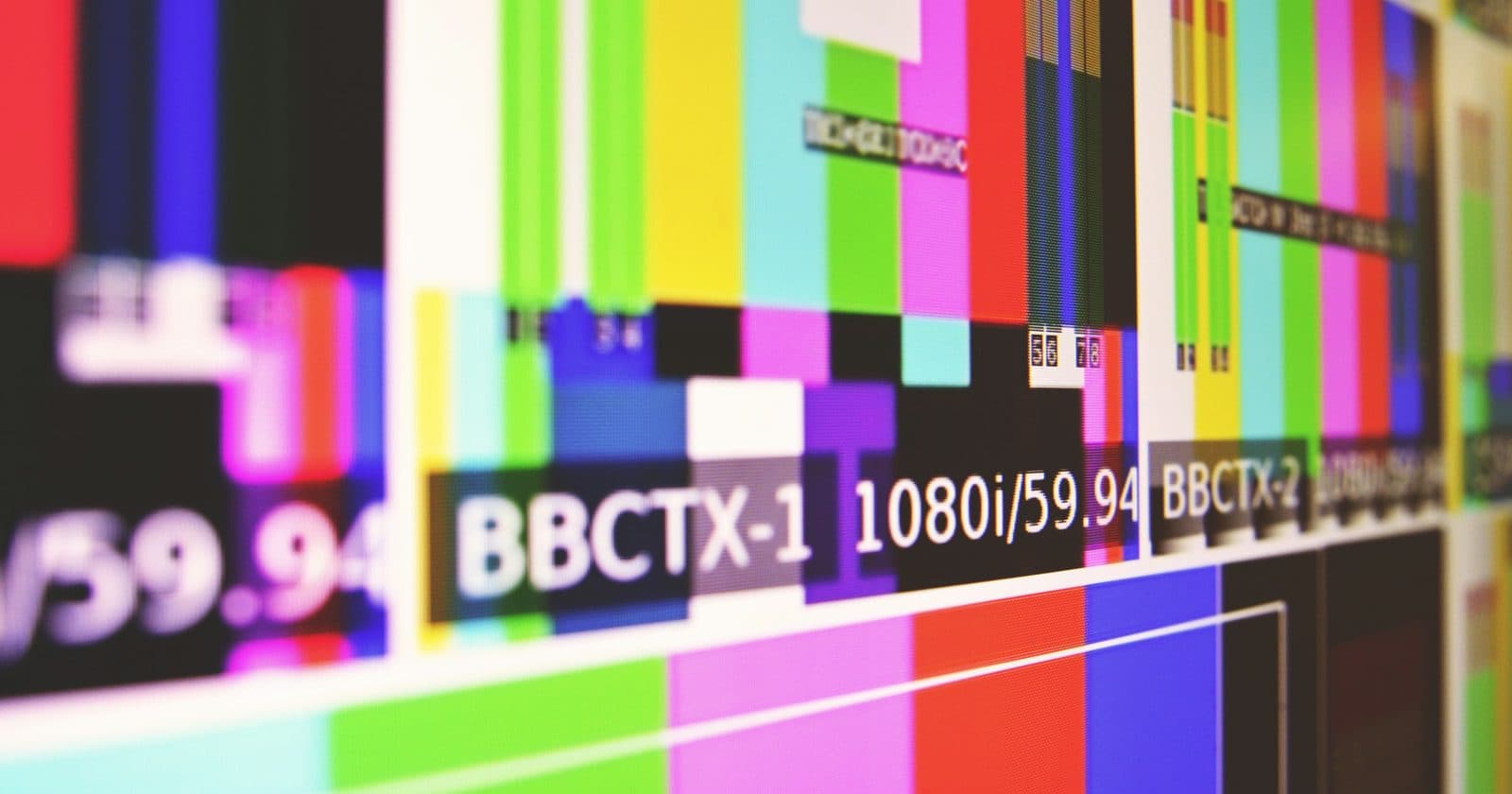
LED Screen Colour Calibration: How to Match Cabinets and Fix Colour Problems
Step-by-step guide to LED screen colour calibration. Covers why cabinets show different colours, how to use NovaLCT for seam calibration, colour temperature adjustment, and when to use professional CaliFile calibration.
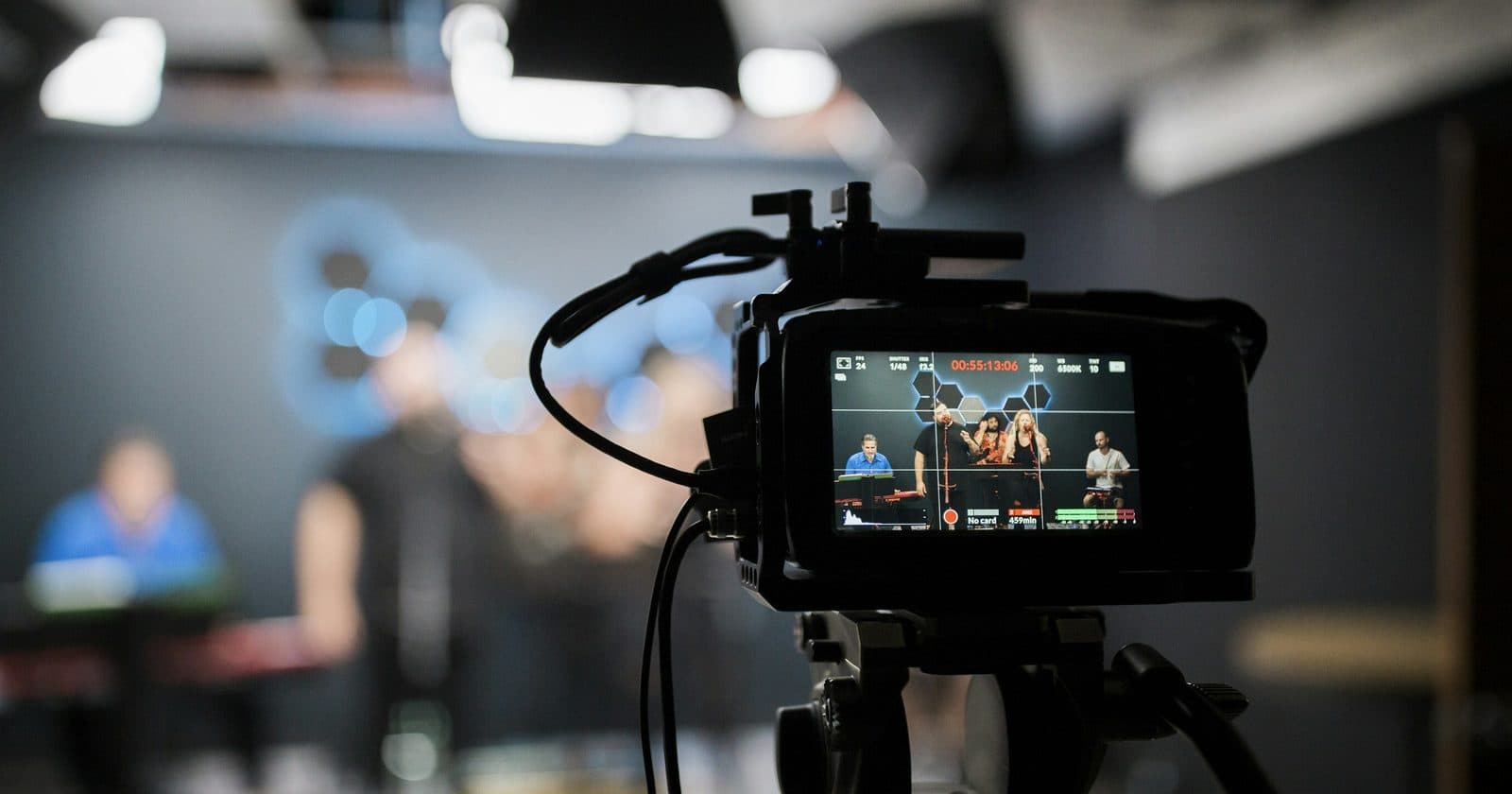
LED Screen Refresh Rate Explained: Why It Matters and How to Set It
What LED screen refresh rate actually means, why it's different from TV refresh rate, how to set it correctly in NovaLCT, what causes camera banding and flicker, and the right settings for broadcast, events, and photography.

Setting Up an LED Screen for Events: From Load-In to Showtime
The complete professional workflow for setting up an LED screen at an event. Covers pre-show planning, physical build, power and data connections, NovaLCT configuration, show day checks, and pack-down.
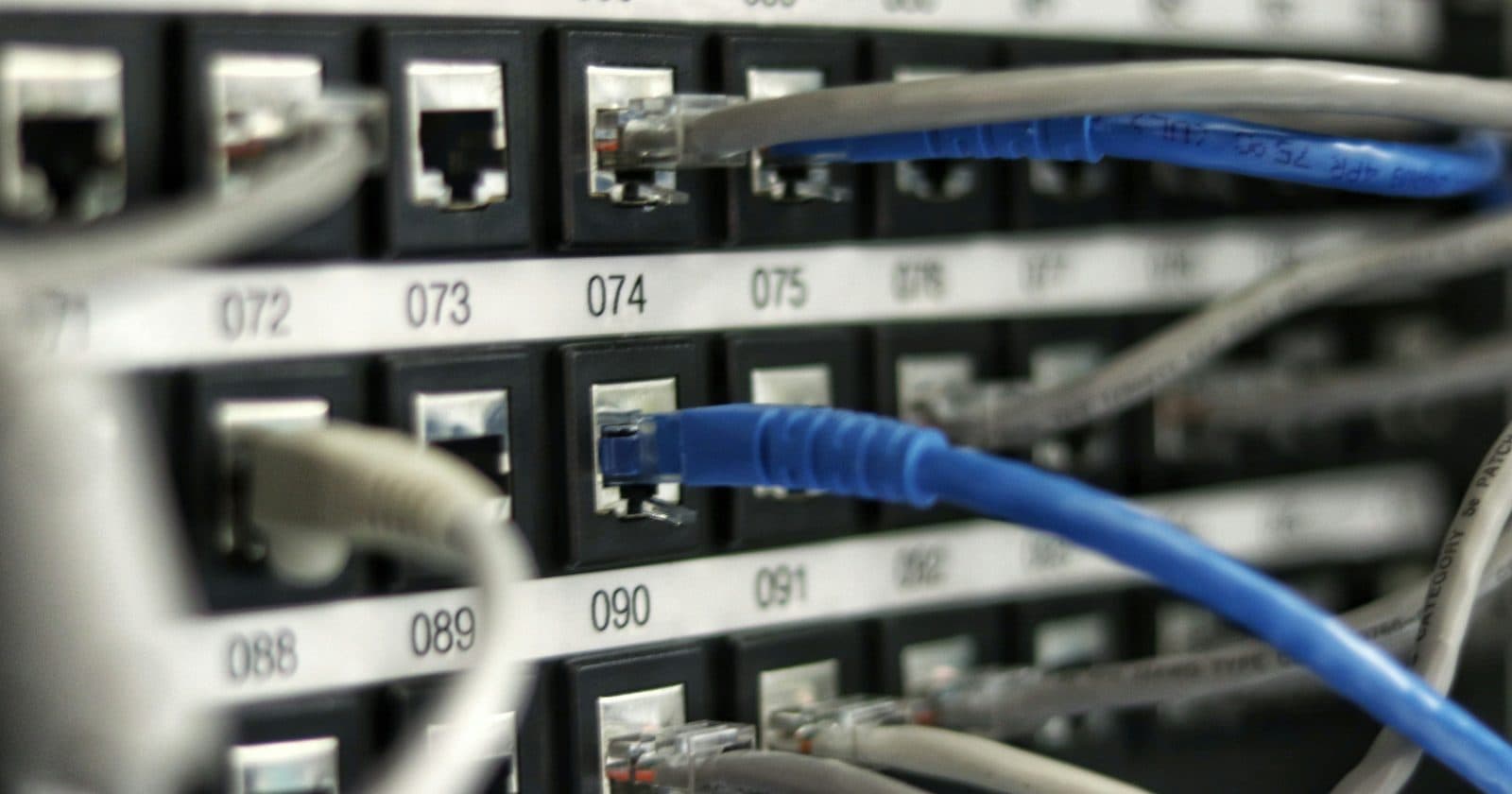
LED Screen Daisy Chain Wiring Explained: Data Cables Step by Step
How to wire data cables through an LED screen using daisy chaining. Covers S-curve routing, Cat6 cable requirements, step-by-step connection, common mistakes, and how to fix missing cabinets.
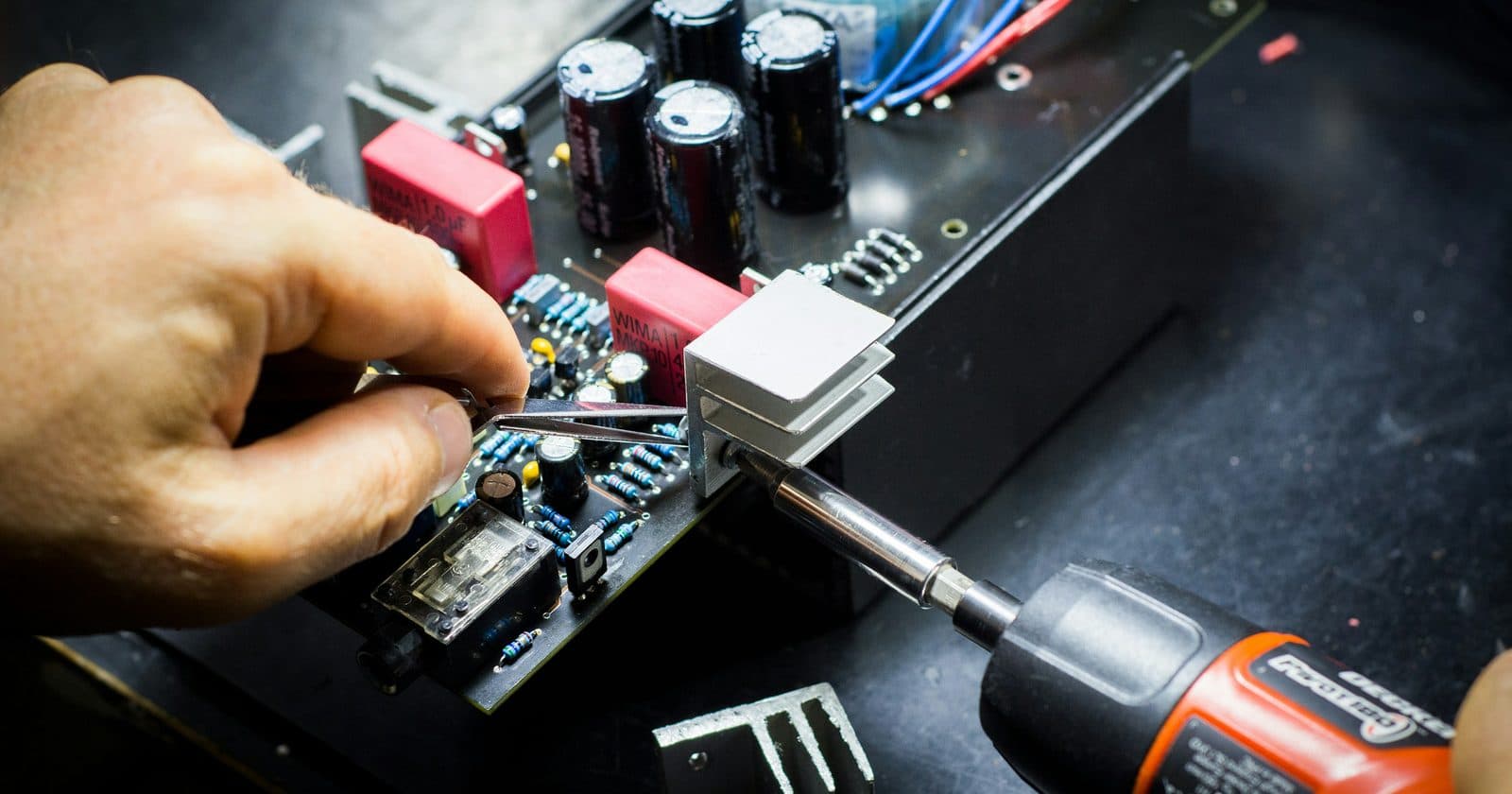
LED Screen Maintenance: How to Keep Your Screen in Perfect Condition
How to maintain LED screens correctly: cleaning LEDs without damage, correct storage procedures, identifying and replacing failed modules, preventive maintenance schedules, and how to extend screen lifespan.
Want Everything in One Place?
The full ebook covers all of this and much more, 130+ pages, 12 chapters, wiring diagrams, Excel calculator, and on-site checklists.
Get the Complete Guide for £35Instant download · 30-day money-back guarantee