
Pixel Pitch Explained: How to Choose the Right LED Screen Resolution
What is pixel pitch? This guide explains what LED screen pixel pitch means, how it determines viewing distance, which pitch to choose for your application, and how it affects cost.
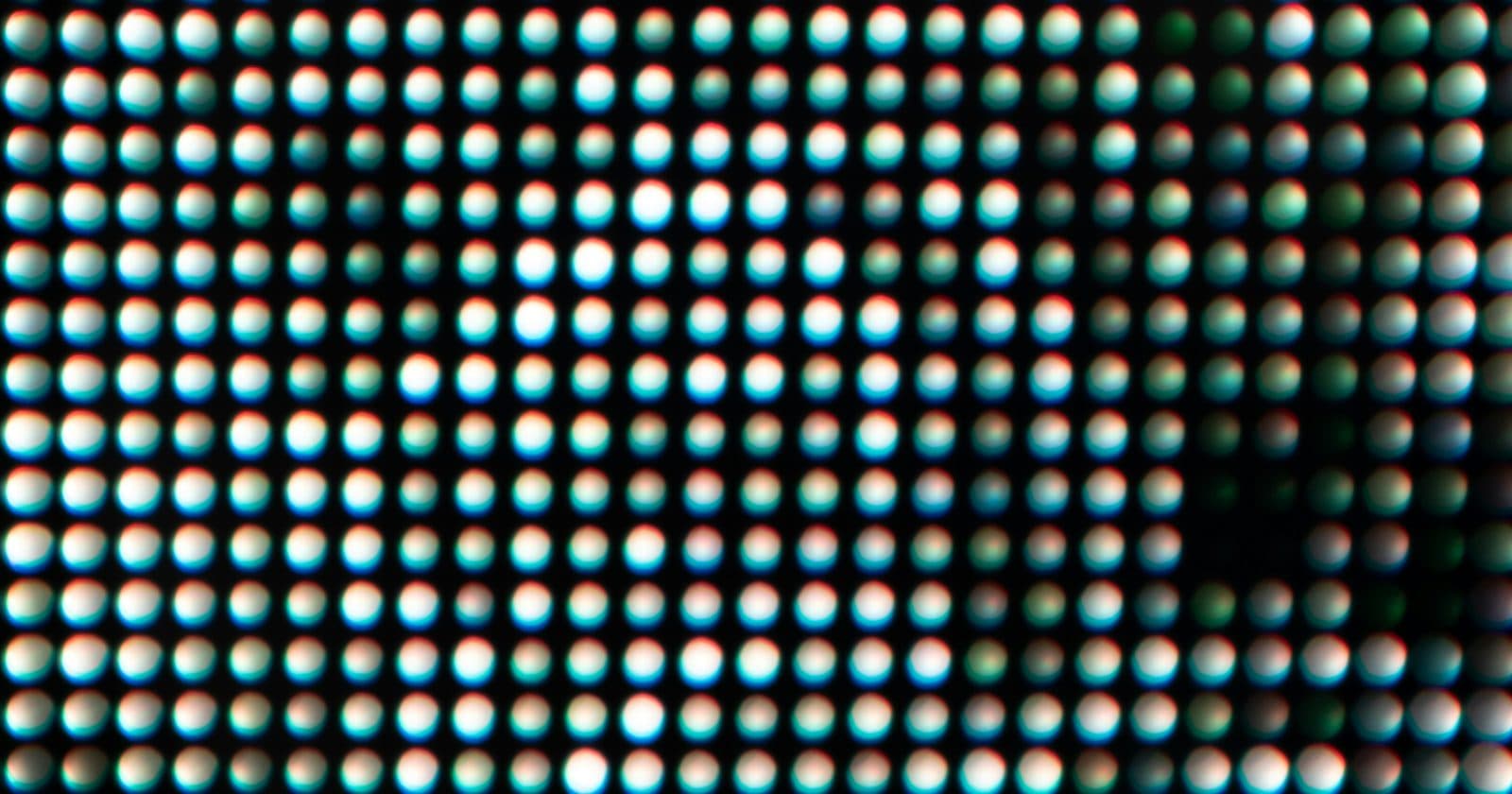
Pixel pitch is the most important specification on any LED screen, and the one that causes the most confusion for beginners. Get it right and your screen looks sharp at the right distance. Get it wrong and you've either wasted money on resolution you can't see, or bought a screen that looks pixellated from your intended viewing position.
This guide explains exactly what pixel pitch means, how it determines viewing distance, which pixel pitch to choose for common applications, and how it affects price.
What Is Pixel Pitch?
Pixel pitch is the distance in millimetres between the centre of one pixel and the centre of the adjacent pixel. It is written as a number preceded by the letter P: P4 means a 4mm pixel pitch, P2.5 means 2.5mm, P10 means 10mm.
Each pixel on an LED screen is made from three LEDs: one red, one green, and one blue. These three LEDs sit together in one pixel housing and combine to produce any colour. The space between adjacent pixels determines how fine or coarse the image looks at any given distance.
The Core Rule: Pitch × 1,000 = Minimum Viewing Distance
The most useful rule in LED screen selection is this: multiply the pixel pitch in millimetres by 1,000 and you get the minimum comfortable viewing distance in millimetres.
- P2.5 screen → minimum viewing distance = 2,500mm = 2.5 metres
- P4 screen → minimum viewing distance = 4,000mm = 4 metres
- P6 screen → minimum viewing distance = 6,000mm = 6 metres
- P10 screen → minimum viewing distance = 10,000mm = 10 metres
Below this distance, the human eye begins to resolve individual pixels rather than seeing a smooth image. This is exactly the same reason you can see the pixel grid if you hold your phone 5cm from your face, but the screen looks perfectly smooth at normal viewing distance.
Pixel Pitch Comparison: Which One Do You Need?
| Pixel Pitch | Min. Viewing Distance | Pixels per m² | Typical Applications | Relative Cost |
|---|---|---|---|---|
| P1.5 | 1.5 metres | 444,000 | Broadcast studios, control rooms | ★★★★★ |
| P2 | 2 metres | 250,000 | Indoor conference, broadcast | ★★★★☆ |
| P2.5 | 2.5 metres | 160,000 | Indoor events, retail, hospitality | ★★★☆☆ |
| P3 | 3 metres | 111,000 | Indoor stages, rental events | ★★★☆☆ |
| P4 | 4 metres | 62,500 | Indoor stages, large conferences | ★★☆☆☆ |
| P5 | 5 metres | 40,000 | Indoor/outdoor events, fixed installs | ★★☆☆☆ |
| P6 | 6 metres | 27,700 | Outdoor events, sports venues | ★★☆☆☆ |
| P8 | 8 metres | 15,600 | Outdoor large-format screens | ★☆☆☆☆ |
| P10 | 10 metres | 10,000 | Outdoor billboards, stadium screens | ★☆☆☆☆ |
Indoor vs Outdoor Pixel Pitch
Indoor and outdoor screens have different typical pixel pitch ranges because viewers stand at different distances from them, and the screens serve different purposes.
Indoor LED screens are typically viewed from 2–15 metres. For a conference room where the audience might be 5 metres from the screen, a P3 or P4 is ideal, sharp at that distance without overspending on fine pitch you can't see. For a concert stage where the closest audience member is 15 metres away, a P6 or P8 looks perfectly sharp.
Outdoor LED screens are typically viewed from 10 metres to hundreds of metres away. A P10 billboard on the side of a building looks completely sharp from 10+ metres and is a fraction of the cost of a P4 screen the same size. For outdoor events where the audience is close (festivals, outdoor conferences), P5–P8 is the typical choice.
How Pixel Pitch Affects Pixel Count
For the same physical screen size, a smaller pixel pitch means dramatically more pixels, and those pixels must be processed by your Novastar controller. This affects which controller you need and how many output ports you'll use.
Example: a 4 metre wide × 2 metre tall screen.
- At P4: approximately 1,000 × 500 pixels = 500,000 total pixels
- At P2.5: approximately 1,600 × 800 pixels = 1,280,000 total pixels, 2.5× more
- At P2: approximately 2,000 × 1,000 pixels = 2,000,000 total pixels, 4× more
How Pixel Pitch Affects Price
The relationship between pixel pitch and price is not linear; it's exponential. Going from P4 to P2.5 (almost halving the pixel pitch) typically doubles or triples the price per square metre. This is because finer pitch requires:
- Smaller, more expensive LED components
- More LEDs per cabinet (a P2.5 cabinet has 2.56× more pixels than a P4 cabinet of the same size)
- Higher precision manufacturing tolerances
- More powerful receiving card processing
- More demanding quality control to prevent visible dead pixels at close viewing distances
Before specifying a fine-pitch screen, always confirm the minimum viewing distance in your venue. Many buyers overspend on P2.5 or P3 for an application where P5 or P6 would be completely indistinguishable to the audience.
Choosing the Right Pixel Pitch: A Decision Framework
- Identify the minimum viewing distance: how close will the nearest viewer be?
- Divide that distance (in metres) by 1 to get the maximum useful pixel pitch. Example: nearest viewer 4m away → maximum pitch = P4.
- Consider the application: will cameras film the screen? If so, go one pitch finer than the viewing distance requires, to ensure clean image in camera.
- Calculate your total pixel count at the chosen pitch and confirm your Novastar controller can handle it.
- Get quotes at that pitch and one step coarser: the price difference is often surprising.
Ready to Calculate Your Screen?
The bundled Excel Pixel Calculator lets you enter your cabinet specs and get the total pixel count, power draw, MCB rating, and Novastar controller recommendation instantly. Included with the full guide.
Get the Complete Guide + Calculator for £35 →