
LED Screens & Novastar
The Complete Beginner’s Guide
From unboxing to showtime: everything you need to set up, run, and troubleshoot LED screens using Novastar. Written for absolute beginners. No prior knowledge required.
130+ pages · PDF + Excel + Word · Instant download · 30-day guarantee
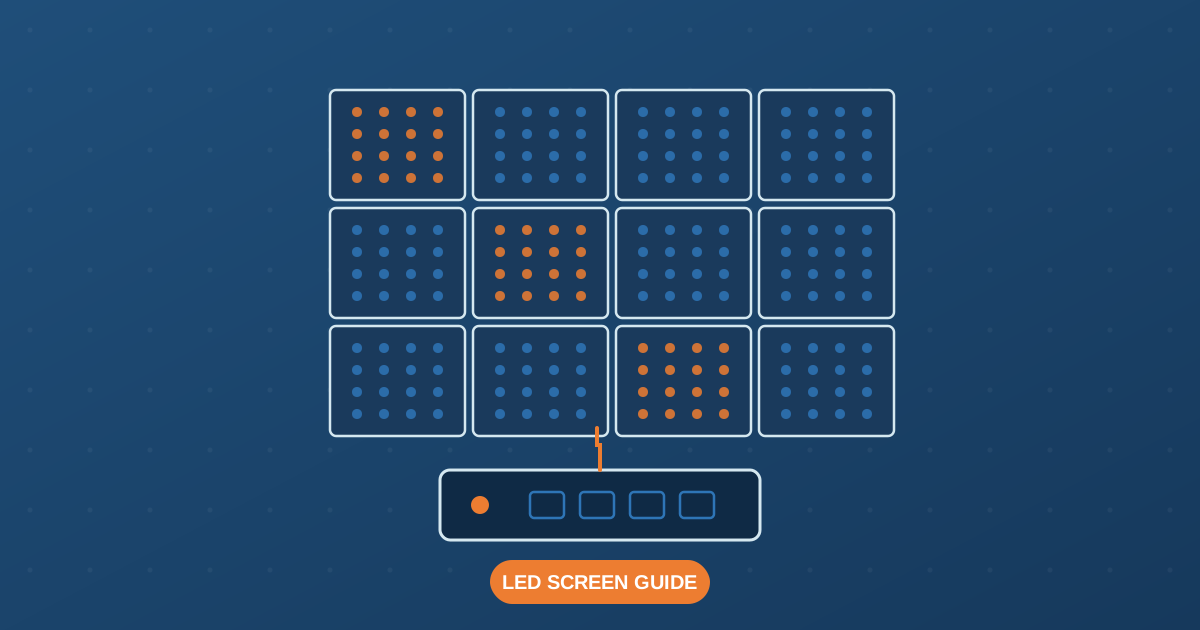
Everything You Need in One Bundle
Every resource you’ll need, from your first screen to professional productions. £35 once, yours forever.
130+ Page PDF Guide
Covers everything from pixel pitch to troubleshooting in plain English. No technical background needed.
Excel Pixel Calculator
Enter your cabinet specs and instantly get pixel count, power draw, MCB rating, and Novastar controller recommendation.
5 Professional Wiring Diagrams
Signal chain, daisy chain data wiring, power distribution, cabinet anatomy, and Novastar connections.
Pre/Post-Show Checklists
Never forget a step. Fillable on-site checklists for every show and installation.
12 Deep-Dive Chapters
Mounting, power, ventilation, NovaLCT setup, PC/media configuration, and a full troubleshooting decision tree.
Word Source File Included
Editable Word version so you can add your own notes, adapt for your company, or print a branded copy.
12 Chapters, Nothing Left Out
Read it cover to cover once, then use each chapter as an on-site reference.
What Are LED Screens?, Technology, types, pixel pitch, brightness, refresh rate, grayscale
What Is Novastar?, Products, software, choosing the right sending device
Key Terms & Glossary: Plain-English definitions for every term
Planning Your Installation: Screen sizing, pixel counts, site survey
Mounting & Physical Setup: Ground support, hanging, step-by-step assembly
Ventilation: Heat management, clearance rules, temperature monitoring
Power Wiring: Distribution, cable sizing, MCB ratings, earthing, safe power-up
Novastar Hardware Setup: Data cabling, fibre optic extension for long runs
NovaLCT Software Setup: Config wizard, mapping, brightness, calibration, saving configs
PC & Media Setup: Display settings, media software, video formats
Troubleshooting: Source-to-screen diagnostic method, fault tables
Quick Reference & Checklists: On-site reference cards
Written For You If You’re…
Just Starting Out
Setting up your first LED screen and not sure where to begin. This guide assumes zero prior knowledge.
An AV Technician
Already working in events but want a solid reference for Novastar-specific setup and troubleshooting.
Hiring or Renting
Running an AV hire business and want your crew to have a reliable, consistent setup guide.
Buying a Screen
Considering purchasing LED equipment and want to understand exactly what you're getting into before you spend.
Alex Snelling
Years of live event and festival LED screen setups across the UK. I wrote the guide I wish had existed when I started. More about me →
free tutorials on this site, read them before you spend anything
pages in the guide, covering 12 chapters end to end
to ask for a full refund, no questions asked
Free Tutorials
Start here, these free guides give you a solid foundation before (or instead of) buying the full ebook. 25 articles covering everything from pixel pitch to troubleshooting.
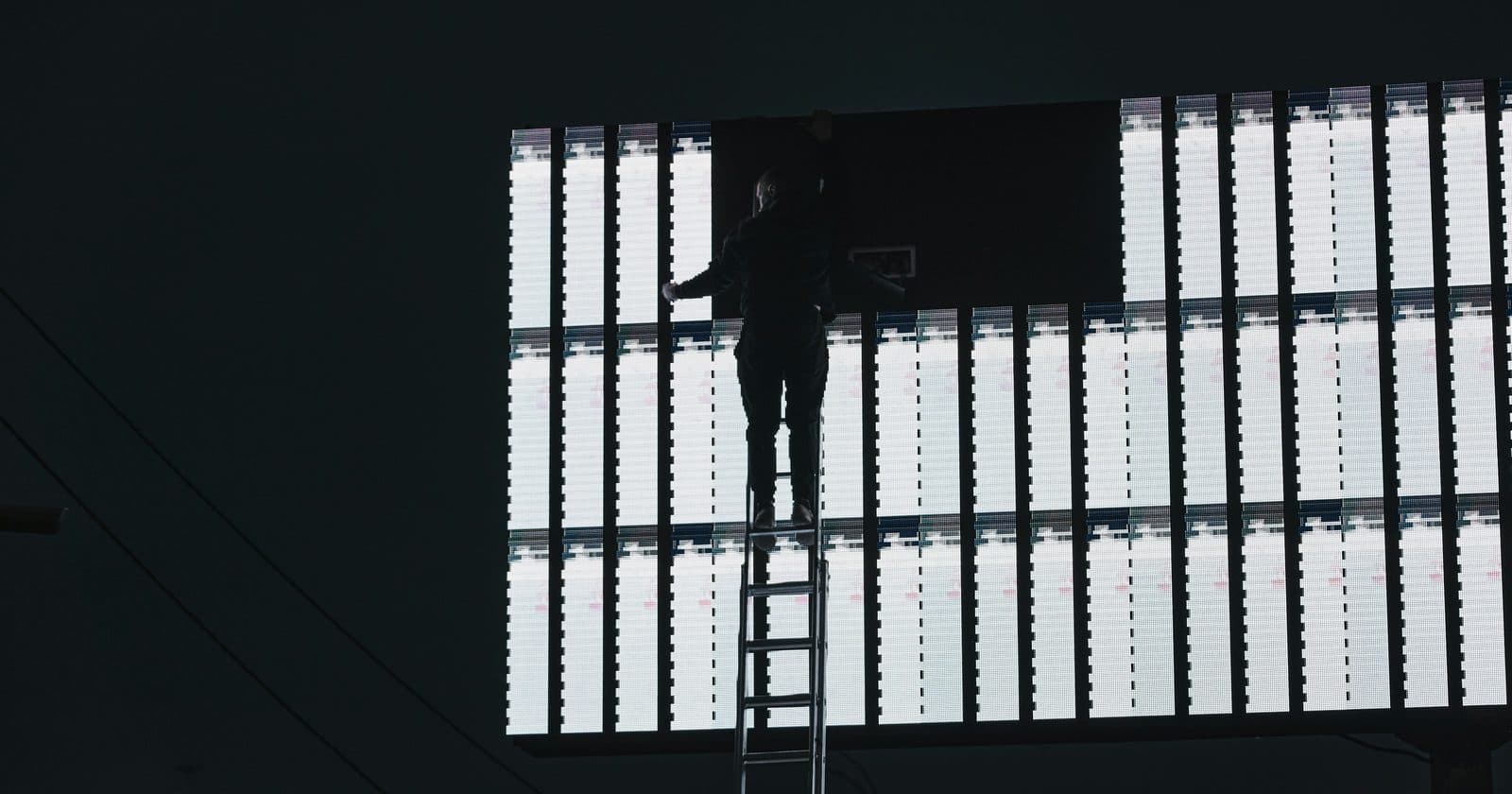
Ready to Go from Beginner to Confident?
130+ pages. 5 wiring diagrams. Excel power calculator. Pre-show checklists. One payment, instant download.
Get the Complete Guide, £3530-day money-back guarantee · Instant digital delivery · PDF + Excel + Word