
LED Screen Cabinet Types: Rental, Fixed, Front Access and Rear Access Explained
What are the different types of LED screen cabinets and when should you use each? This guide covers rental vs fixed-install cabinets, front-service vs rear-service access, die-cast vs steel frames, and how to choose correctly.
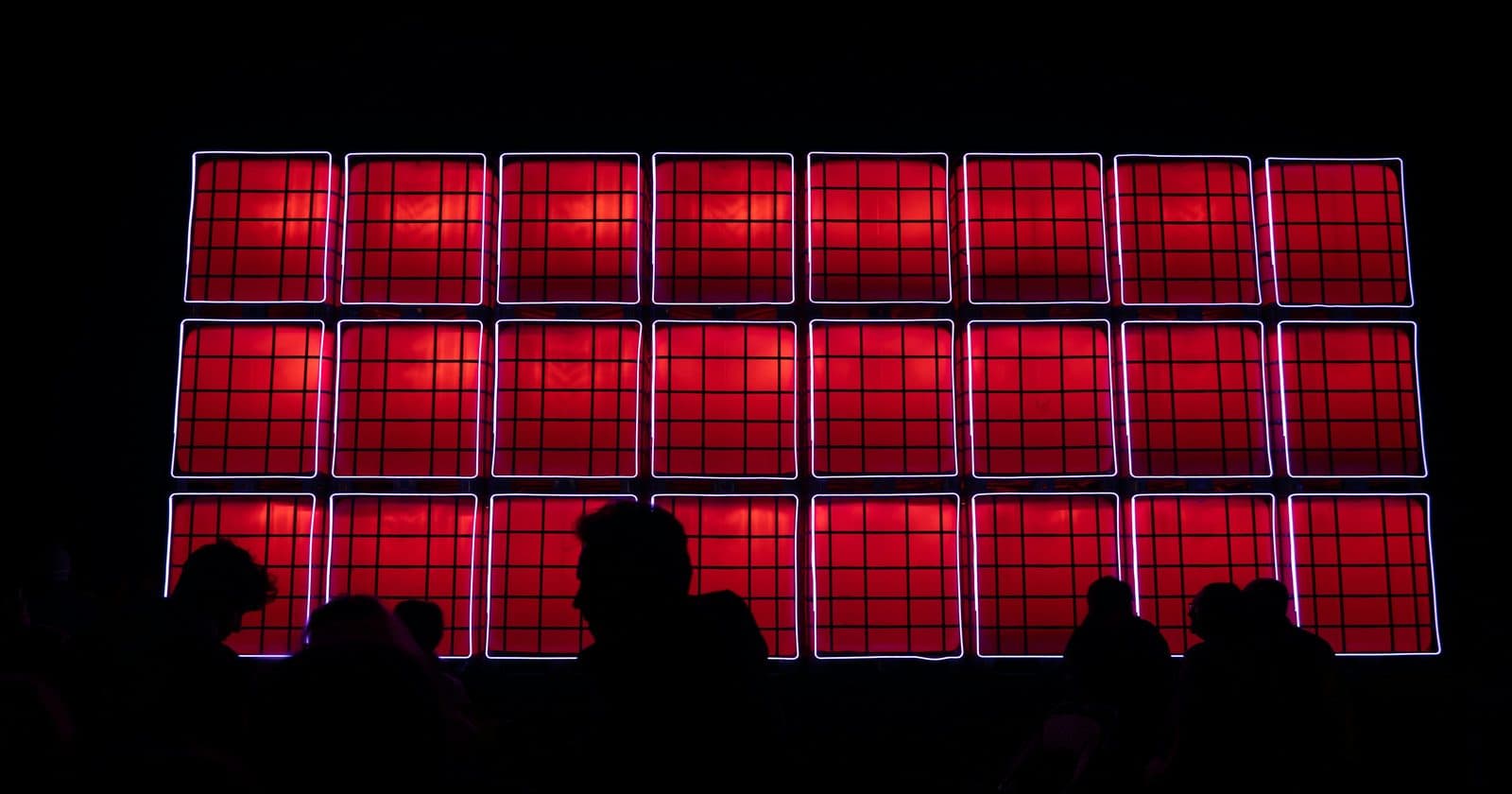
Not all LED cabinets are created equal, and the physical design of the cabinet matters as much as the electronics inside. The right cabinet type makes installation faster, maintenance easier, and the final result more professional. Choose the wrong type and you'll spend the rest of the screen's life fighting its limitations. This guide covers every major LED cabinet category and tells you which one to use for each application.
Rental vs Fixed-Install Cabinets
The most fundamental distinction in LED screen cabinet design is whether the cabinet is designed for rental (repeatedly assembled, transported, and disassembled) or fixed installation (installed once and rarely moved). These two design philosophies produce fundamentally different products.
Rental Cabinets
Rental cabinets are built for speed and durability under frequent movement. They prioritise:
- Quick-lock connections: adjacent cabinets lock together with quarter-turn fasteners or magnetic latches, not bolts
- Rigging points built in: cabinets have integrated hanging hardware compatible with standard truss and ground support systems
- Robust frames: typically die-cast aluminium or reinforced steel to survive road cases and repeated assembly
- Exact cabinet-to-cabinet alignment: critical for pixel alignment across the seam; rental cabinets have precision-machined edges
- Lightweight design: every gram matters when you're flying a 6×4 screen of 24 cabinets up a 6-metre structure
- Flight case compatibility: standard rental cabinet sizes are matched to road case designs for efficient transport
The trade-off: rental cabinets are more expensive per square metre than fixed-install equivalents, and their robustness adds weight. A typical outdoor rental cabinet (P3.9, 500×500mm) weighs 8–12 kg. An equivalent fixed-install panel might weigh 4–6 kg.
Fixed-Install Cabinets
Fixed-install (or "permanent install") cabinets are optimised for the assumption that they will be mounted once and stay in place for years. They prioritise:
- Slim profile: wall-mount installations often need to be as thin as possible; fixed-install cabinets can be 40–80mm deep vs 100–150mm for rental
- Lower weight: lighter frames and thinner rear structure; easier to mount on walls or ceilings
- Non-standard sizes: can be manufactured to match custom screen dimensions without the constraints of rental cabinet sizing
- Aesthetic integration: many fixed-install cabinets are designed with minimal visible borders for seamless large-format displays
- Lower cost: thinner frames, simpler mounting hardware, no rigging provision
Fixed-install cabinets are typically not suitable for regular transport. Their frames are lighter and less reinforced, their connections are screwed rather than quick-lock, and they lack the rigging hardware that rental cabinets need for hoisting.
Front-Service vs Rear-Service Cabinets
Service access determines how technicians can work on the screen during installation and maintenance. This is especially important for fixed installations where rear access may be impossible.
Rear-Service Cabinets
The traditional design. All modules (LED panels), power supplies, and receiving cards are accessible from the back of the cabinet. For LED rental screens on ground support or flying rig, where technicians can access the rear, this is the standard design.
Advantages: simpler, cheaper construction; individual modules can be swapped quickly from the rear without disturbing the front face of the screen. Disadvantages: impossible to maintain a screen mounted flush against a wall or ceiling; requires rear access clearance of at least 600–800mm.
Front-Service Cabinets
Front-service cabinets allow modules to be removed and replaced from the front face of the screen using a magnetic tool or suction pad. The LED module pops out forward, exposing the power supply and receiving card. This design is essential for:
- Wall-flush installations where rear access is physically impossible
- Very high indoor ceiling installations where scaffolding access from behind is impractical
- Fine-pitch control room or broadcast studio walls where the screen integrates into architecture
The trade-off: front-service cabinets are significantly more expensive than rear-service equivalents. The front-access mechanism adds cost and complexity. For any installation where rear access is possible, rear-service is almost always the better value choice.
Frame Materials: Die-Cast Aluminium vs Steel
| Material | Weight | Strength | Cost | Best For |
|---|---|---|---|---|
| Die-cast aluminium | Light (6–10 kg/m²) | Excellent rigidity, excellent precision | Higher | Premium rental, touring, applications where weight and precision matter |
| Extruded aluminium | Light to medium | Good rigidity, good precision | Medium | Fixed install, semi-permanent |
| Steel (powder-coated) | Heavier (10–15 kg/m²) | Very strong, less precise | Lower | Budget rental, outdoor fixed, where weight is less critical |
| Carbon fibre composite | Very light (4–6 kg/m²) | Excellent | Very high | Premium touring, applications with strict weight budgets |
Die-cast aluminium dominates the premium rental market because it combines light weight with the dimensional precision needed for pixel-accurate cabinet-to-cabinet alignment. The casting process produces very consistent cabinet dimensions, which is critical when hundreds of cabinets need to line up perfectly.
Common Cabinet Sizes and Why They Matter
Rental LED cabinets come in standard sizes that determine the possible screen configurations. The most common:
| Cabinet Size | Common Pixel Pitches | Why This Size |
|---|---|---|
| 500 × 500 mm | P2.5, P3, P3.9, P4 | The rental industry standard: packs efficiently, most accessories designed for it |
| 500 × 1000 mm | P5, P6 | Portrait-orientation screens, outdoor perimeters |
| 600 × 337.5 mm | P2, P2.5 | 16:9 aspect ratio cabinet: content maps naturally without scaling |
| 960 × 960 mm | P8, P10 | Large outdoor cabinets: fewer cabinets for large format |
500×500mm is the most important size to know; it's the de facto standard in the events rental industry. A screen of 8 wide × 6 tall cabinets at 500×500mm is exactly 4m × 3m, which maps cleanly to 1080p content.
Choosing the Right Cabinet for Your Application
| Application | Recommended Cabinet Type |
|---|---|
| Events rental: touring | Die-cast aluminium rental cabinet, rear-service, with integrated rigging |
| Events rental: occasional local hire | Steel frame rental cabinet: lower cost, still portable |
| Corporate fixed install: wall-flush | Front-service fixed-install, slim profile |
| Outdoor permanent billboard | IP65 outdoor cabinet, steel or die-cast, rear service (access via walkway) |
| Broadcast studio | Front-service, fine pitch (P1.5–P2.5), specialised LED wall cabinet |
| Retail window display | Transparent LED or fine-pitch front-service with minimal bezel |
LED Screen Specification in the Complete Guide
Chapter 1 and 4 cover LED cabinet types, specification tables, and how to plan and spec a screen for any application, with worked examples for rental, fixed install, and outdoor.
Get the Full Guide for £35 →