
How to Buy an LED Screen: The Complete Buyer's Guide
A step-by-step framework for buying an LED screen: choosing the pitch, what drives the price, what a quote leaves out, and how to judge a supplier.
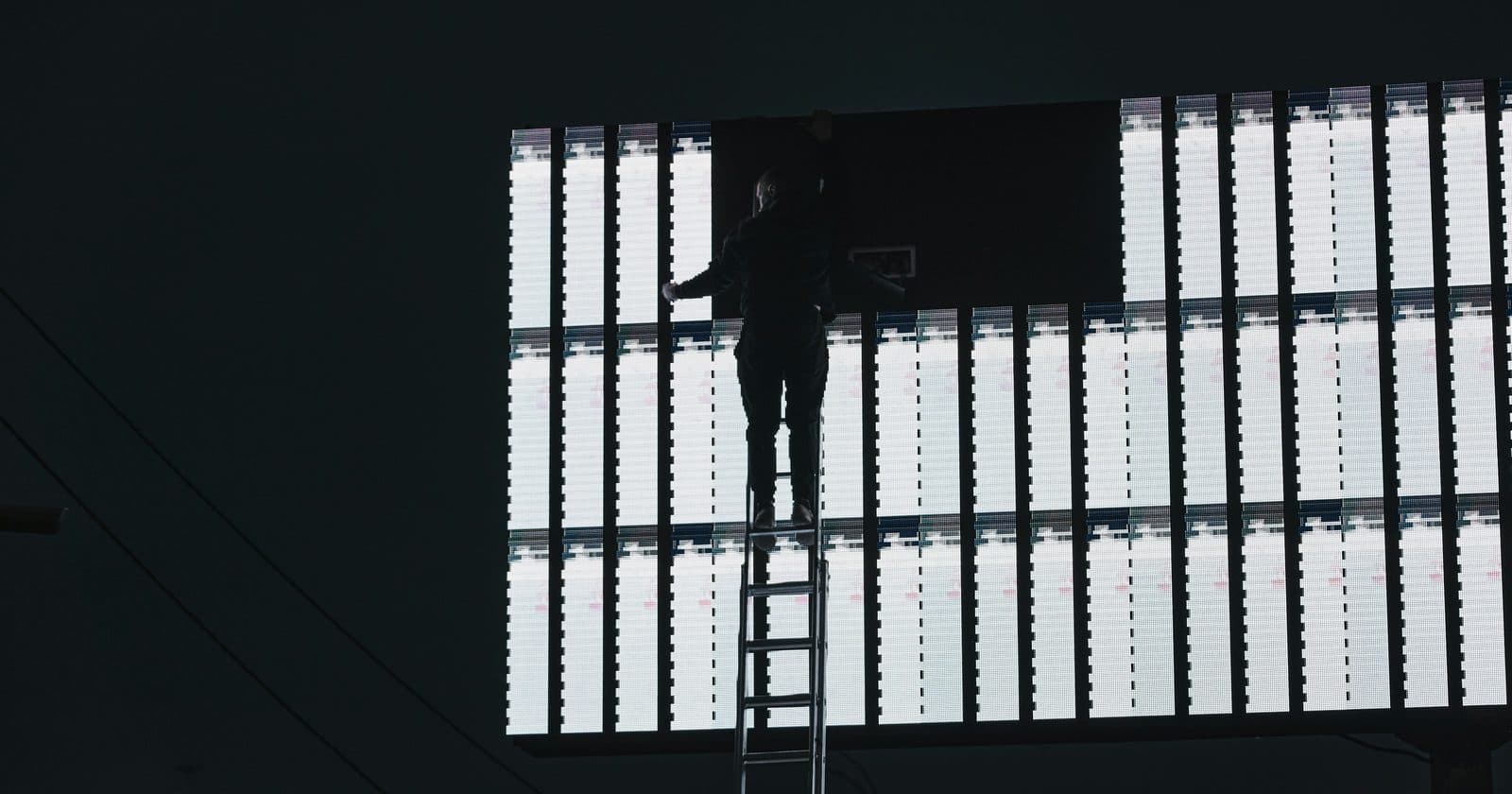
Buying an LED screen is not like buying a television. There is no single model number that tells you what you are getting, the price of two apparently identical screens can differ by a factor of three, and most of the cost sits in parts nobody quotes for until you ask. It is entirely possible to spend a large sum of money and end up with a screen that looks wrong from where your audience stands.
This guide is the framework I use to specify a screen before any money changes hands. It works through the decisions in the order that matters, because each one narrows the next, and then covers what a quote should contain, what it usually leaves out, and how to tell a supplier worth buying from.
Start With the Viewing Situation, Not the Screen
Almost every expensive mistake in LED screens comes from specifying the product before understanding the room. Before you look at a single panel, write down three numbers: how far away the nearest viewer will stand, how far away the furthest viewer will stand, and how much light is falling on the screen.
Those three numbers determine your pixel pitch, your brightness requirement, and a good deal of your budget. Everything else is negotiable.
- Nearest viewer: sets the minimum pixel pitch. Get this wrong and the screen looks pixellated to the people closest to it, which is usually the people who matter most.
- Furthest viewer: sets the minimum physical size. A screen that is sharp but too small to read from the back row has failed just as completely.
- Ambient light: sets the brightness requirement. An indoor screen at 800 nits looks superb in a controlled room and invisible opposite a window.
Step One: Choose the Pixel Pitch
Pixel pitch is the distance in millimetres between the centres of adjacent pixels. A P3.9 screen has 3.9mm between pixels; a P10 has 10mm. Lower numbers mean more pixels per square metre, a sharper image close up, and a higher price.
The working rule is that pitch in millimetres multiplied by 1,000 gives you the minimum comfortable viewing distance in millimetres. A P4 screen is comfortable from about 4 metres; a P2.5 from about 2.5 metres. Closer than that and the eye starts to resolve individual pixels instead of a picture.
| Pitch | Comfortable from | Typical use |
|---|---|---|
| P1.5-P2.5 | 1.5-2.5m | Control rooms, retail, lobbies, broadcast backdrops |
| P2.6-P3.9 | 2.6-3.9m | Conferences, corporate events, indoor concerts |
| P4-P6 | 4-6m | Large indoor venues, covered outdoor stages |
| P8-P10 | 8-10m | Outdoor advertising, stadium screens, long throw |
Step Two: Indoor or Outdoor
This is a bigger fork than it sounds. It changes the brightness, the weatherproofing, the cabinet construction, the power draw and the price: an outdoor-rated cabinet typically costs substantially more than its indoor equivalent at the same pitch.
- Brightness: indoor screens typically run 600-1,200 nits. Outdoor screens facing daylight need several thousand. A screen that is not bright enough for its environment cannot be fixed by turning it up.
- Ingress protection: outdoor cabinets carry an IP rating covering dust and water. Check the rating applies to the whole cabinet, front and rear, not just the face.
- Servicing access: outdoor installs are often rear-inaccessible once mounted, which pushes you towards front-service cabinets whether you wanted them or not.
Semi-outdoor is where people get caught. A covered stage, a shop window, a canopied entrance; these are outdoor environments as far as light and moisture are concerned, even though nothing rains directly on them.
Step Three: Fixed Install or Rental Cabinets
Cabinet type is a decision about how often the screen will move. Rental cabinets are built to be assembled and struck repeatedly: lighter, with fast locking mechanisms and protected edges. Fixed-install cabinets are built to go up once and stay there, and cost less for the same pitch because they do not carry that engineering.
Buying fixed cabinets for touring work will destroy them within a season. Buying rental cabinets for a permanent wall means paying for portability you will use exactly once.
Step Four: Work Out the Actual Size
LED screens are built from cabinets on a grid, so you cannot order any arbitrary size; you order a whole number of cabinets in each direction. Most cabinets are 500mm x 500mm or 500mm x 1000mm, which means your screen dimensions come in 500mm steps.
Work out the size you want, then round to whole cabinets and check the resulting resolution is sensible for your content. A screen whose pixel dimensions land nowhere near a standard video format will need scaling, and scaling costs sharpness.
What Actually Drives the Price
Two quotes for "a 6m x 3m P3.9 screen" can differ enormously, and the difference is almost never a supplier being greedy. It is usually that they have quoted different things. The main variables:
- Pixel pitch: the single biggest factor. Halving the pitch roughly quadruples the number of LEDs per square metre.
- Indoor or outdoor construction: weatherproofing and high-brightness LEDs both carry real cost.
- Cabinet type: rental engineering costs more than fixed-install.
- LED bin quality and consistency: cheaper panels use wider tolerance LEDs, which is what causes visible patchiness between cabinets later.
- Driver ICs and refresh rate: a screen that will ever appear on camera needs a high refresh rate, and that is a component-level decision made at manufacture.
- Warranty length and what it actually covers: parts only, or parts and labour, and who pays the freight.
On top of all of that sit panel supply, exchange rates and freight costs, all of which move. Any price you read, including the ranges in this guide, is an anchor for budgeting, not a quotation.
The Costs a Panel Quote Leaves Out
The quote you receive covers cabinets. The system you need covers rather more than that. When budgeting, assume the panels are somewhere between half and three-quarters of the real figure.
| Item | Why it is needed | Often quoted? |
|---|---|---|
| Controller / sending card | Nothing displays without one | Sometimes |
| Receiving cards | Usually inside the cabinets, but check | Usually |
| Data and power cabling | Cabinet-to-cabinet and back to source | Rarely in full |
| Rigging or ground support | Hanging bars, or a stacking system | Rarely |
| Flight cases | Essential the moment the screen moves | No |
| Spare cabinets and modules | A dead module with no spare is a dead screen | No |
| Processing / scaling | If your source does not match the screen resolution | No |
For a sense of scale, the worked example in our hire-versus-buy guide puts a 72-cabinet P3.9 rental system at roughly £28,000-£45,000 for the cabinets alone, with the controller, cases and cabling adding several thousand more before the screen has left the warehouse.
How to Judge a Supplier
The supplier matters more than the panel specification, because the panel specification is what you get on day one and the supplier is what you get for the next ten years. Judge them on what happens after the sale.
- Ask what spare parts they hold in the UK, and how quickly they ship. "We can get it from the factory" means weeks.
- Ask how long they have sold this specific product line. A line discontinued in two years means no matching cabinets when you want to expand.
- Ask whether they will supply the same LED bin if you buy more cabinets later. If they cannot promise it, your extension will not colour-match.
- Ask who does the warranty work, where, and who pays freight in each direction.
- Ask for a reference site you can go and look at with your own eyes, ideally one that has been running a couple of years.
- Ask what happens if a cabinet fails during the warranty period: replacement, repair, or a credit.
Before You Sign
A few checks that cost nothing and occasionally save a great deal:
- Confirm the quoted resolution in pixels, not just the physical size in metres.
- Confirm the refresh rate if the screen will ever be filmed or photographed.
- Confirm the brightness figure, and whether it is measured at full white or calibrated output; these differ substantially.
- Confirm what the warranty covers and its start date: delivery, or commissioning.
- Confirm the power requirement and check your supply can actually deliver it.
- Confirm cabinet weight and check whatever is holding it up can take the load.
The Order to Do This In
To summarise the whole framework:
- Measure the nearest and furthest viewing distances and assess the ambient light.
- Choose the pixel pitch from the nearest viewing distance.
- Decide indoor, outdoor or semi-outdoor, and set the brightness requirement.
- Choose rental or fixed-install cabinets based on how often it moves.
- Work out the cabinet grid and the resulting pixel resolution.
- Budget for the whole system, not the panels: assume panels are half to three-quarters of it.
- Shortlist suppliers on spares, warranty and product longevity rather than headline price.
- Verify power and rigging with qualified people before committing.
Do these in order and the expensive mistakes mostly become impossible, because each decision constrains the next. Do them out of order (starting from a price, or from a panel somebody recommended), and you find out what you got wrong on the day of the first show.
Specifying Your First Screen?
The complete guide covers all of this in depth, with the pixel calculator, power and data load worksheets, and the on-site checklists for getting a screen from delivery to showtime.
Get the Complete Guide for £35 →Frequently Asked Questions
- How much does an LED screen cost?
- There is no single figure, because you are not buying one thing; you are buying cabinets, a controller, cabling, rigging, cases and spares. As a rough anchor, a 6m x 3.4m P3.9 rental system with everything needed to run it lands somewhere around £35,000-£60,000 in the UK. Panel supply, exchange rates and freight move that materially, so treat any figure over a few months old as out of date.
- What pixel pitch do I need?
- Start from how close the nearest viewer stands. The working rule is pitch in millimetres x 1,000 = the minimum comfortable viewing distance in millimetres, so a P4 screen looks smooth from about 4 metres back. Choose the pitch that suits your closest realistic viewer, not the sharpest one you can afford.
- Can I just buy panels and nothing else?
- You can, and it is the most common way people end up with a screen they cannot switch on. Cabinets need a controller to drive them, data and power cabling, a way of hanging or standing them, and spares for when a module fails. Budget for the system, not the panels.
- Should I buy from a UK supplier or import directly?
- Importing is cheaper per panel and considerably more expensive when something goes wrong. A UK supplier costs more up front and gives you someone to call, warranty you can actually claim, and spare parts that arrive in days rather than weeks. If you have never bought a screen before, buy locally for the first one.
- How long does an LED screen last?
- LEDs are usually rated around 100,000 hours to half brightness, but that number rarely decides the lifespan. Power supplies, receiving cards, connectors and physical damage do. A well-maintained screen with available spare parts stays in service far longer than one bought from a supplier who has since discontinued the product line.
- What is the most common buying mistake?
- Choosing the pitch on price rather than on viewing distance, then discovering the screen looks pixellated from where the audience actually stands. It cannot be fixed afterwards without replacing the cabinets.